

Finding the best free invoice generator in 2026 isn’t just about pretty templates; it’s about knowing when you’ll hit a paywall, where a watermark might sting you, and how much “free” actually costs the second a client pays you.
Key Takeaways
- At least seven tools let you download a finished PDF without creating an account, but they lack recurring automation.
- “Unlimited” free invoices often hide client caps or missing features like auto-reminders that force small subscriptions.
- Payment processing fees (typically 2.9% + $0.30 per transaction) are where free software quietly eats your revenue.
Table of Contents
- Quick verdict: pick by signup friction vs. scale needs
- Tools that really require zero sign‑up (guest PDFs you can download today)
- Free quotas: how many invoices can you send before you must pay?
- The hidden catches: watermarks, export quality, and feature gating
- Real cost math: transaction fees and the cost to unlock essentials
- What top free‑invoice comparisons miss (the unique gap)
- Reliability & data safety: are disappearing invoices a real worry?
- How to choose: checklist and decision matrix (quick‑reference)
- Quick how‑to: create and deliver a no‑signup invoice (step‑by‑step, 3 minutes)
- FAQs (short answers)
Quick verdict: pick by signup friction vs. scale needs
You have two paths. They diverge immediately and rarely cross. If you need a single professional PDF right now and you refuse to hand over an email address, you use a no‑signup guest generator. These are perfect for one‑off projects, emergency billing, or testing a client relationship. But they won’t help you track late payers.
However, if you bill the same clients every month, need automatic payment reminders, or want a client portal where they can see their history, you will choose a full‑scale platform like Wave, Zoho Invoice, or Square. That path requires a free account—and the moment you want to stop manually chasing money, you’ll likely pay a small monthly subscription for automation.
Tools that really require zero sign‑up (guest PDFs you can download today)
Not all generators are honest about “no account required.” Some let you fill out a form but gate the download behind email verification. We tested the 2026 landscape and found seven that hand over the PDF without a login gate. You can think of these as the true “guest checkout” of invoicing.
BrandedInvoice is a popular choice if you need a clean simple invoice template free of clutter. Similarly, Conta remains a standout for speed. Invoice‑generator.com works immediately but runs on ad support, so expect a slightly cluttered interface. FreeInvoiceFlow, a Reddit‑crafted tool, actively boasts zero signup and no watermark policy.
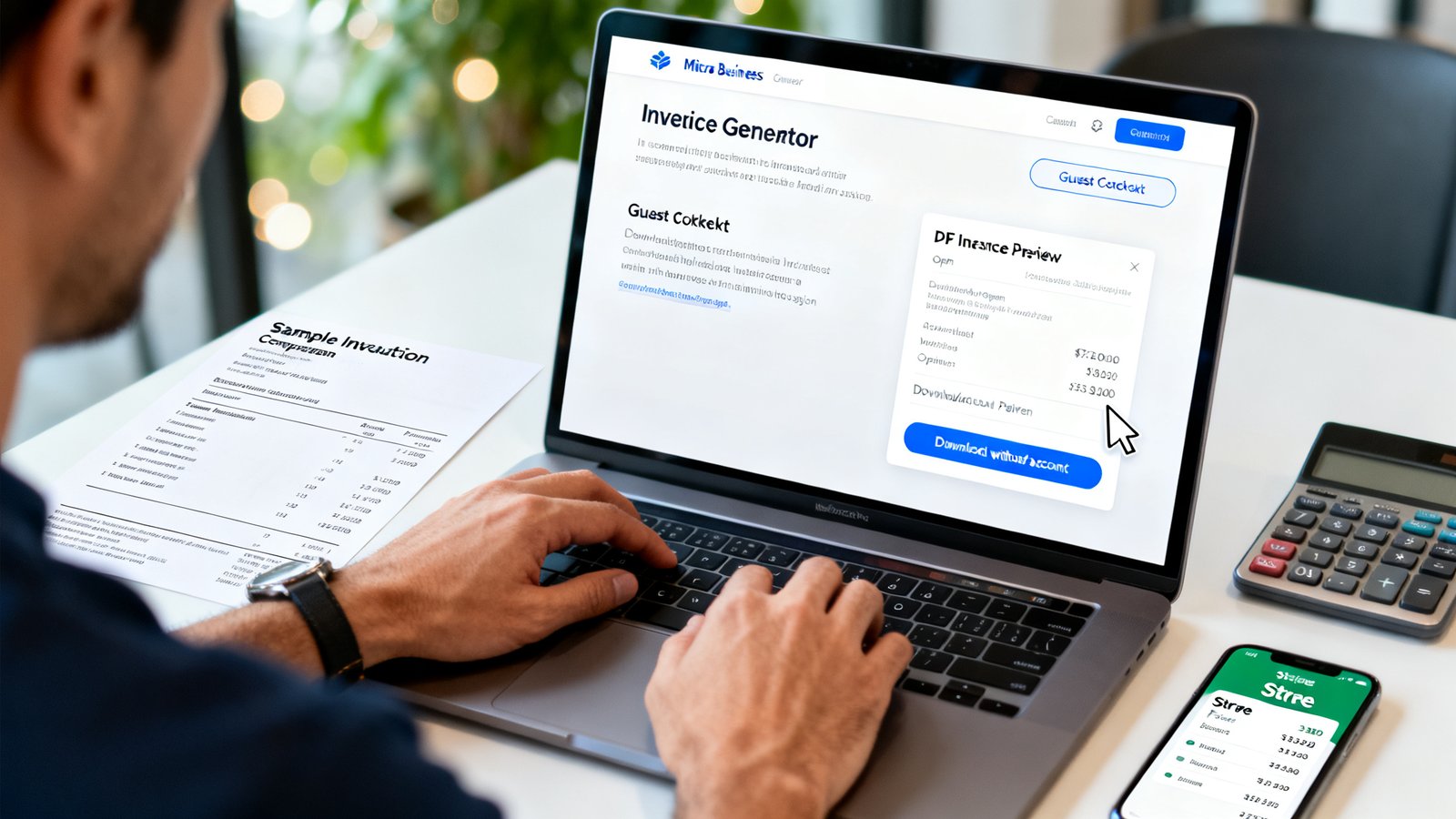
Other options include the standalone Zoho invoice generator (distinct from the full Zoho Invoice software), Wise for international contractors, and the Free Invoice Builder which explicitly offers a “Continue as guest” button. Adobe’s tool is also accessible without a full Creative Cloud check-in.
The caveat here is simplicity. You often lose customization depth. You are trading your data retention for speed. It is a fair trade for a one-off editable invoice template session.
Free quotas: how many invoices can you send before you must pay?
Limits are usually not about “invoice count” but about “client count.” You might pick a tool with unlimited invoices, only to discover you can only log five clients before disaster strikes your workflow.
Bookipi is the strictest: 3 invoices per month and then it locks. Zoho Invoice is the most generous for scaling, offering 1,000 invoices per year (roughly 83 per month) for absolutely zero dollars. Wave and Square boast unlimited invoice sending on their free plans, making them safe harbors for high-volume freelancers.
The real kicker is Invoice Ninja. They give you unlimited invoices, but the free plan caps you at 5 clients. For a solo freelancer with a handful of long-term retainers, that is a perfect best invoice maker free scenario. For a small agency, it is a trap. You’ll outgrow 5 clients in a month and face a $120/year upgrade.
The hidden catches: watermarks, export quality, and feature gating
Developers are smart. They don’t always lock the door; sometimes they just fog up the window. Watermarks are the dirtiest secret. While major review sites seldom name names, user forums are littered with complaints about free tools stamping “Generated by…” on the final PDF. Some developers now explicitly advertise “No watermark” as a feature because big players have burned users before.
Export quality is another silent downgrade. A guest generator might rasterize text, making a vector logo look like a blurry mess when printed. Others lock the PDF download unless you sign up, offering only a “share link” that looks unprofessional. Your brand can’t survive a pixelated free invoice creator PDF.
Feature gating is the smoothest trick. The button for “send automatic reminders” sits right there on the free dashboard, brightly colored and tempting. You click it. It asks for your credit card. It’s not a bug; it’s a conversion strategy.
Real cost math: transaction fees and the cost to unlock essentials
Let’s be surgical about this. Free software doesn’t process payments for charity. When a client clicks “Pay Now” on your free invoice, the provider takes a cut. Wave charges 2.9% + $0.60 for cards; with ACH, it drops to 1% ($1 minimum). Square online cards come in at 3.3% + $0.30. Bookipi routes through Stripe at 3.4% + $0.30.
If you bill $5,000 a month across ten invoices via Wave cards, you’re losing roughly $175 a month right there. For that cost, you still might not have automated reminders. You pay an additional $16/month for Wave Pro to turn those on. Or you go with Invoice Ninja for $10/month monthly to break the client cap.
The math is simple: the best free invoice generator for receiving payments is the one with the lowest processing bite, not necessarily the prettiest dashboard.
What top free‑invoice comparisons miss (the unique gap)
Most review blogs stop at the surface. They list template counts and currency support but ignore what kills you at scale. The real gap is automation depth. Wave gives you a single, rigid reminder sequence. You can’t branch logic: “If viewed but unpaid, send X; if unread, send Y.” The reviews from US Tech Automations highlight that the differentiation lies exactly here—true cross‑platform workflows.
The second blind spot is time tracking. If you’re an hourly freelancer, an invoice template PDF free download is just paper. You need that timer connected to line items. Free tools like PayPal Invoicing and Wave largely ignore this. You’ll end up having to patch TimeCamp into the mix, which starts at $3.99/month just to bridge that gap for an accurate free invoice template workflow.
Reliability & data safety: are disappearing invoices a real worry?
There is a quiet paranoia among freelancers that a guest invoice will just vanish into the ether. Interestingly, current data shows this fear might be unfounded. In the 2026 round of user feedback and forum scraping, there is zero evidence of platforms randomly nuking invoice records on active accounts.
However, guest generators are stateless. If you clear your browser cache, that PDF is gone forever unless you saved it. The safety net isn’t the cloud server; it’s your hard drive. For persistent records, you inevitably migrate back to an account-based free invoice software where data is tied to a login. Just export a CSV every month. If a company sunsets the product, you walk away with the data, not just the memories.
How to choose: checklist and decision matrix (quick‑reference)
Strip away the noise. Map your specific need to the specific tool. Do not be dazzled by features you won’t use yet. Your current volume dictates the winner:
| Your Immediate Need | Best Path | Trigger for Upgrade |
|---|---|---|
| One‑off PDF, zero distractions | No‑signup generator (Invoice‑generator.com, Adobe) | Need to see past invoices again. |
| Recurring billing, < 5 clients | Invoice Ninja Free | Adding a 6th client. |
| Unlimited everything, heavy volume | Wave or Zoho Invoice | Wave: automation needs. Zoho: over 1,000 invoices/year. |
| Processing online card payments | Wave (low ACH) or Square | Fee tolerance; moving to ACH to save money. |
Quick how‑to: create and deliver a no‑signup invoice (step‑by‑step, 3 minutes)
Step 1: Open a guest generator
Navigate to a tool like BrandedInvoice or the Free Invoice Builder. Locate the button that says “Continue as Guest” or simply start filling in the fields. Do not hit a Login button.
Step 2: Populate the line items
Add a professional description. Avoid vague terms like “Work.” Use specific inventory items. Input your rate and quantity. The tool should calculate totals automatically.
Step 3: Sanitize the branding
Check the PDF preview carefully. Look for small gray text at the bottom. If you see “Powered by…” you need a different tool. Screenshot the preview to check for resolution loss.
Step 4: Download and locally backup
Export the PDF. Rename the file immediately (ClientName_Invoice_001.pdf). Save it to a cloud folder. Because you didn’t sign up, this file is your only record. There is no server to go back to.
FAQs (short answers)
Do any free tools watermark my PDF?
It is possible but rarely named in mainstream reviews. If the tool promises “No watermark,” it’s likely because a competitor does. Always run a test invoice before sending to a client.
Will I lose my invoices if I don’t pay?
There is no evidence of platforms deleting data to force payment. However, guest access is ephemeral. Without an account, closing your browser loses the document.
When exactly do I have to pay?
Payment is triggered by client count caps or automation desires. You’ll pay when you need more than 5 clients (Invoice Ninja) or when you’re tired of manually sending reminder emails (Wave Pro).
Is it safe to accept direct card payments on these?
Logistically safe, yes. Financially, note the rates. A 3.49% + $0.49 fee on a large invoice is significant. Use Bank Transfers or ACH within these tools if you want to minimize “free” generator overhead.
What’s the best tool if I ignore everything else?
If you are a freelancer needing a robust, long‑term free solution, start with Zoho Invoice. It requires full sign‑up but handles serious volume before asking for money.
Conclusion and next steps
The search for the best free invoice generator usually ends not with a perfect tool, but with a clear trade‑off between convenience and control. You now have the blueprint to avoid the signup traps and the hidden payment costs that eat into your margin. Start by trying a no‑signup generator for your immediate need today—just make sure to grab that PDF and save it locally.
If you’re ready to scale even slightly, pick a permanent home like Zoho or Wave today. Run the numbers: calculate your estimated transaction fees and, if you need to chase late payments, factor in the cost of a small subscription for automation. Your goal isn’t to find software that is “free”; it’s to find the free invoice software that makes you the most net profit possible.