

If you still manually convert an estimate to invoice, you’re leaking cash every single billing cycle. For freelancers and small trade businesses with 1 to 10 people, this one workflow hides more profit erosion than any other admin task. You lose hours, introduce errors, and delay payment—all because you’re copying fields between documents by hand. That stack of unpaid invoices doesn’t just sit there. It compounds into missed payroll, strained supplier relationships, and unnecessary credit card interest.
Key Takeaways
- Automating the estimate to invoice handoff slashes data entry hours and cuts invoice errors that currently plague 39% of manually processed bills.
- Small teams can recover $17,500 in outstanding balances faster when they remove rekeying steps and capture scope changes in one system.
- The biggest friction isn’t a missing software feature. It’s skipping three workflow steps most guides ignore: versioned approvals, deposit handling, and edge-format data extraction.
- Why automating estimate to invoice matters
- The step by step convert quote to invoice playbook
- Hidden cost traps, data pitfalls, and legal triggers that ruin cash flow
- Turn your estimate to invoice flow into a profit engine
- FAQs about the estimate to invoice process
Why automating estimate to invoice matters
Every time you copy a line item from a quote into a separate invoicing tool, you create a fresh chance for a mistake. A 2025 Bookipi analysis found that 86% of small and medium businesses still process invoices manually. That isn’t just a statistic. It’s a signal that most independent contractors are one transposed number away from a payment dispute.

The average outstanding balance on unpaid invoices for U.S. small businesses sits at $17,500. When you drag out the billing cycle by rebuilding invoices from scratch, you widen the gap between work completion and cash in the bank. Businesses that invoice within hours of job completion are up to 20% less likely to rely on credit cards or loans for operating costs. The math is simple: faster, cleaner conversion from estimate to invoice directly shrinks your financing burden.
For a team of two electricians, one landscaper with a crew, or a solo web developer, automating this flow isn’t about heavy ERP systems. It’s about choosing a tool or process that carries approved numbers forward without manual rekeying. The goal is to convert a quote to invoice so that the final document matches exactly what the client approved. That single alignment cuts friction, speeds up payment, and protects the job’s actual margin.
The step by step convert quote to invoice playbook
Most how to articles describe a generic “approve estimate, hit convert, add invoice number” path. That overlooks the daily chaos of real jobs. Here is the workflow that actually prevents rework and lost revenue, including the three steps almost everyone skips.
- Collect written approval and version the estimate. A verbal yes isn’t a contract. Send a PDF or link and require an email reply, e-signature, or click approval. Lock that approved version and give it a distinct document ID. Using the same document number for both estimate and invoice creates tracking confusion and potential disputes later.
- Reconcile scope changes before conversion. If materials changed or extra hours were needed, update the estimate and get re-approval. 39% of manually processed invoices contain errors, and undocumented scope additions are a primary trigger. A quick scope adjustment form on the same platform keeps everything together.
- Apply deposits, credits, and partial payments. If you collected a 30% deposit, that amount must appear as a credit on the final invoice. Link partial invoices back to the original estimate ID so the client sees the running balance. Many articles skip this step, which leads to billing confusion and endless reconciliation back-and-forth.
- Map line items, descriptions, quantities, unit prices, and taxes exactly as approved. Don’t retype. If your quoting tool doesn’t carry fields forward, use an editable invoice template that mirrors your estimate layout and lets you paste once, then reuse. Even small price mismatches trigger client pushback; price mismatch is the number one reason invoices get questioned.
- Generate a new unique invoice number. Never recycle the estimate number. A clean sequence supports tax records and dispute resolution. Set payment terms and due date right on the invoice, not in a separate email.
- Attach payment methods and late fee language. Omitting payment terms like due dates, accepted methods, and late fees is a common friction source. A simple line “Payment due within 14 days via bank transfer or credit card. 1.5% monthly late fee on overdue balances.” removes ambiguity.
- Send through a trackable medium and schedule an automatic reminder. Don’t attach to a regular email and hope. Use a tool that shows when the invoice was viewed. The faster the delivery, the sooner the cash lands.
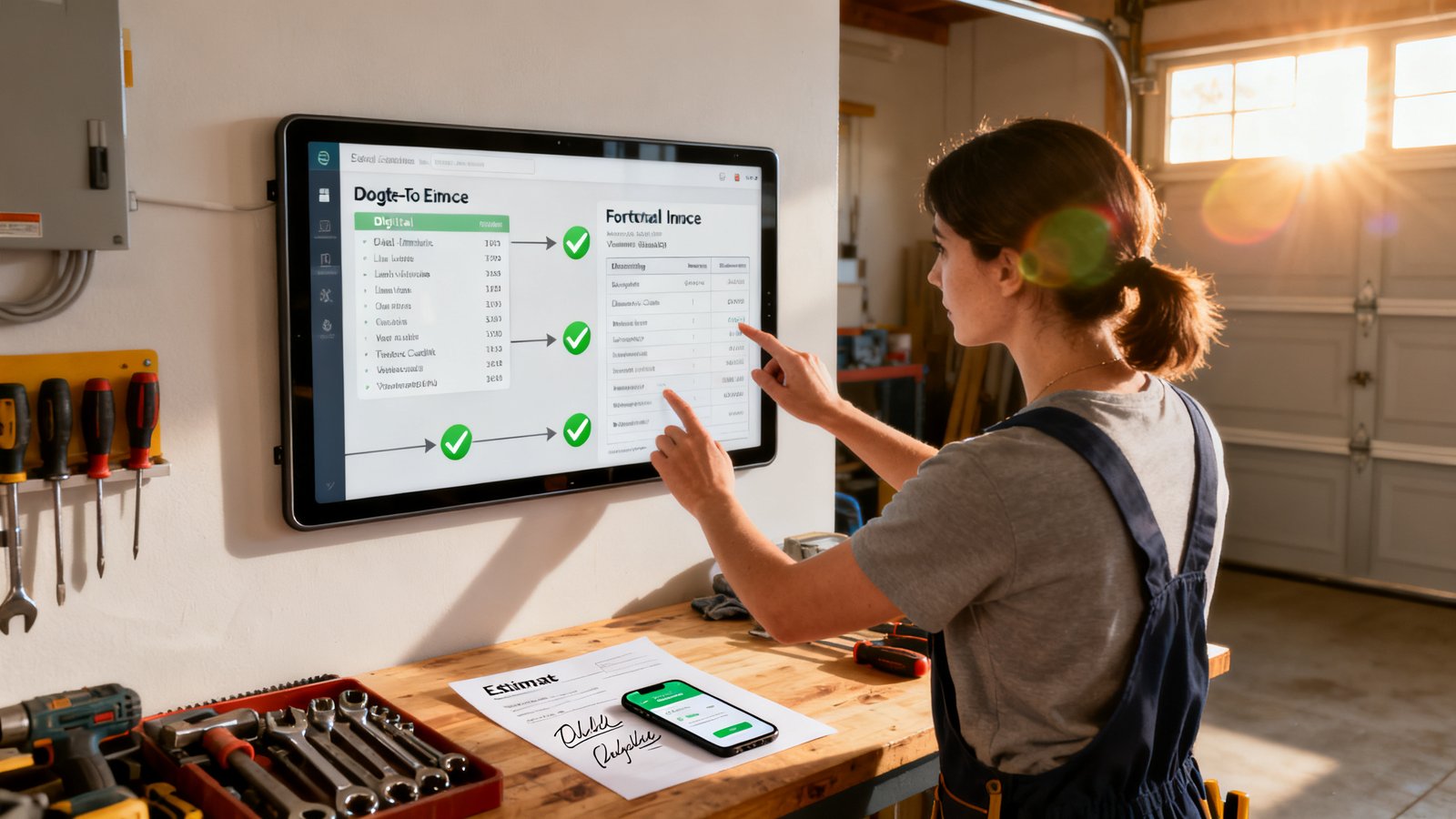
Following this sequence turns the chaotic estimate to invoice process into a repeatable money-collection engine. A freelancer from the SideProject community documented spending 60+ hours a month on manual invoice entry until they automated the extract-and-convert step for roughly $45 a month. That time returned to billable work is the real ROI.
Hidden cost traps, data pitfalls, and legal triggers that ruin cash flow
Automation promises relief, but many small teams bolt on a tool and still lose money because the underlying data breaks. Knowing exactly where data dies or disputes ignite will save more than any feature checklist.
Main data loss points when converting an estimate to invoice
- Pricing mismatches. A manual rekey turns $2,475 into $2,457. The error slips through and the client pays the lower amount, or worse, accuses you of padding.
- Wrong customer data. One mistyped email address means the invoice vanishes. Use auto-populated contact fields from the original estimate.
- Missing payment terms and due dates. If the due date field is blank, “please pay soon” isn’t enforceable. 47% of small businesses have invoices overdue more than 30 days.
- Item descriptions, quantities, or discounts omitted. A negotiated 10% discount not reflected on the invoice triggers an immediate dispute and reissue cycle.
Fix each with field mapping rules: require a pre-conversion validation check that flags any blank mandatory fields. A simple invoice template free of formatting traps works best when it enforces these checks automatically.
Integration gaps that cause tool abandonment
The most common complaint among small teams is using separate apps that don’t talk to each other. You build a quote in one tool, then open another for invoicing, and a third for accounting. That switching creates mismatched customer records and lost line item detail. In a DealHub analysis, poor field mapping between CRM, CPQ, and invoicing platforms was cited as a top reason data goes missing. The simplest fix: adopt a single platform or tightly integrated suite where “convert quote to invoice” means one click, not a copy-and-paste marathon.
| Manual Process | Automated Estimate-to-Invoice Flow |
|---|---|
| 39% of invoices contain errors | Pre-validated fields carry forward without alteration |
| 60+ hours/month rekeying for a busy freelancer | ~$45/month for automation that converts 2,500 invoices |
| $17,500 avg. outstanding receivables | Invoicing within hours lowers credit dependence by up to 20% |
| Verbal approvals cause disputes | Timestamped written approvals and versioned estimates create audit trails |
Legal and dispute triggers you fix today
Every pushback drains billable time. Price mismatch is the number one trigger, but it’s completely avoidable. Other frequent sparks include undocumented scope changes, using the same document number for estimate and invoice, missing invoice number or due date, wrong client contact, and no payment method instructions. Even a tiny missing field like “bank transfer details” can delay payment by days. Document every change, version every estimate, and never ship an invoice without mandatory fields populated. A well structured free invoice template with locked header fields stops these leaks before they leave your outbox.
Exact ROI: hard costs of not automating
Freelancers and small owners wear multiple hats. If you spend just 10 hours a month rekeying estimates at a $75 internal billable rate, that’s $750 in lost capacity. Multiply by 12 months and you’ve given away $9,000 worth of time. Add the interest cost on delayed receivables for an average $17,500 outstanding balance and the picture gets worse. Even partial automation that cuts rekey time in half returns a healthy margin. Download our invoice template PDF free download and pair it with a simple automated converter to start reclaiming that real money immediately.

Turn your estimate to invoice flow into a profit engine
Manual conversion bleeds more than time. It invites errors, delays cash, and hands clients ammunition to dispute legitimate charges. By following the step by step playbook, guarding the data loss points, and choosing tools that carry fields forward without manual rework, a one person shop can invoice as cleanly as a 50 person firm.
Don’t let another week pass where a $4 typo costs you a $3,000 check. Grab the editable invoice template that locks in all required fields, and run your next estimate to invoice cycle the zero-error way. Your cash flow will feel the difference before the next due date.
FAQs about the estimate to invoice process
What if scope changes after I’ve already sent the invoice?
Pause payment, version the original estimate with the new scope, get written approval, then issue a credit memo or a revised invoice referencing the original invoice number and the updated estimate ID. Never adjust numbers without a new audit trail.
How do I apply deposits to the final invoice correctly?
Show the deposit as a negative line item or a dedicated “Deposit received” credit section. Reference the estimate ID and the date the deposit was collected. The remaining balance should be the only amount due.
A client requested a discount that wasn’t on the estimate. How do I handle it?
Document the discount approval in writing, then add a discount line on the invoice with a note linking it to the communication. If you use an editable invoice template, add a “Discount: client agreement dated [date]” field to keep everything transparent.
Can a verbal approval be treated as binding?
It’s risky. Without written proof, disputes often lean in the client’s favor. Use a quick confirmation email or text to capture the agreement. That simple habit is your strongest legal shield.
What is the single biggest mistake people make when they turn an estimate into an invoice?
Reusing the estimate’s document number as the invoice number. It wrecks record keeping, confuses both your bookkeeping and the client’s, and becomes a headache during tax time or audits. Always generate a fresh invoice number.