

If you have ever typed “printable invoice template” into Google, the sheer number of results can feel overwhelming. Research from invoice template aggregators shows approximately 1,140 free printable invoice template designs are available in both PDF and print-ready Word formats as of June 2024, according to InvoiceQuick’s template library. That is a lot of choice. But here is what the listings rarely tell you upfront: most free PDF templates hit a hard practical wall at around 20 line items. After that, you are either upgrading, hacking the layout, or looking for a different tool entirely. This post walks you through exactly where to download templates that actually work, what their real limits are, and how to print a professional invoice without paying a cent more than you need to.
Key Takeaways
- Roughly 1,140 free printable invoice template designs exist across major aggregators, spanning both PDF and print-ready Word formats (source: InvoiceQuick).
- Most free PDF templates accommodate around 20 line-item entries before hitting layout or upgrade limits, based on aggregate research findings.
- If you need more rows, three no-code workarounds exist: spreadsheet export, line grouping, or an itemized appendix, without paying for a premium template.
- Printable invoice template — Quick verdict
- Where to download printable invoice free PDF templates
- What “print-ready Word” means for physical invoices
- Free PDF template limits — how many line items can you print for free?
- If you need more than 20 line items — three no-code workarounds
- Who this is NOT for
- Comparison: free printable PDF+Word templates vs. simple invoicing apps
- Best picks — which free printable template to download depending on your needs
- Printing checklist — prepare, print, and keep a physical copy
- FAQs and quick answers
- Alternatives — when to pick an app instead
- TL;DR download links and final recommendation
Printable invoice template — Quick verdict
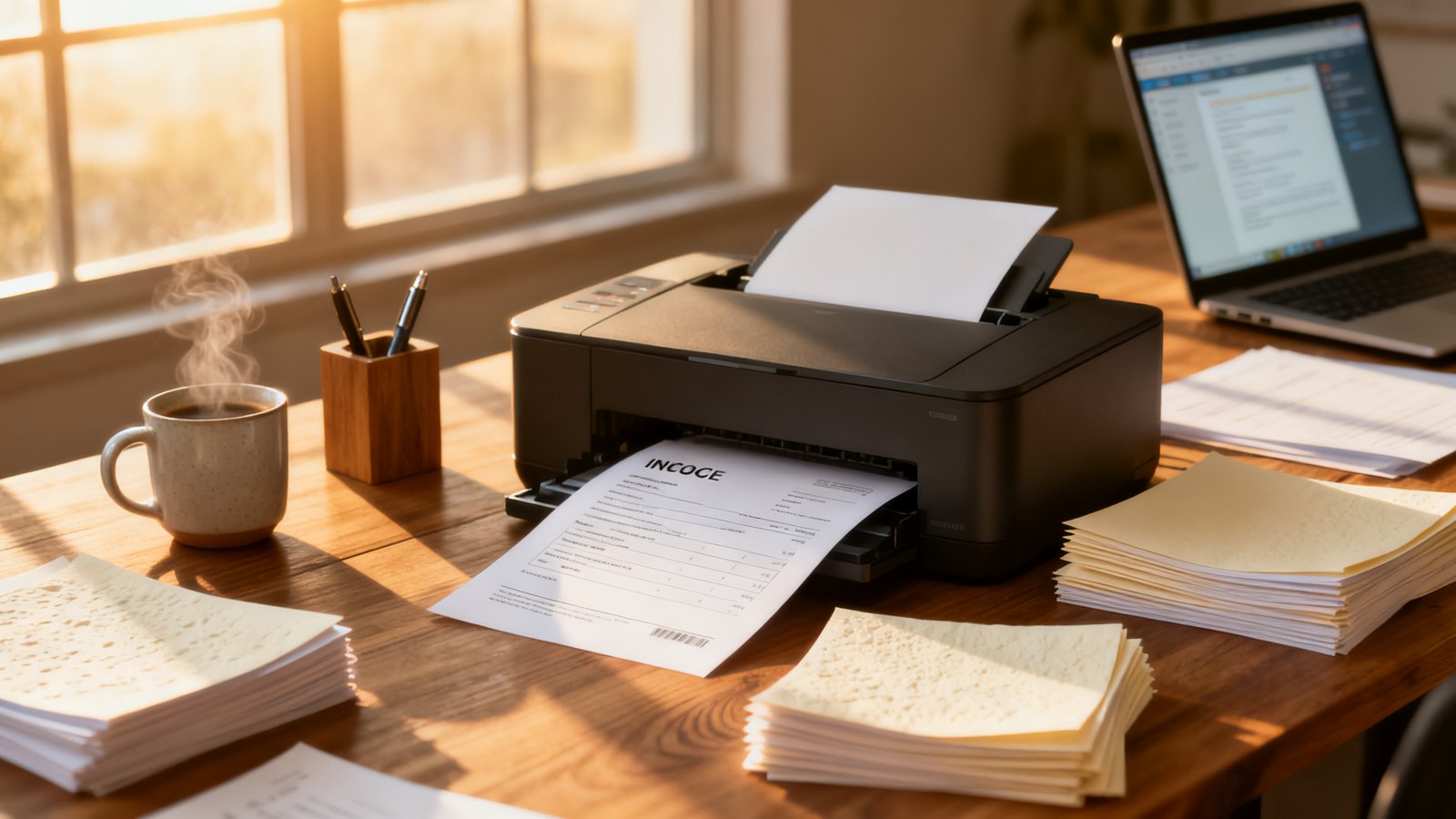
Free printable invoice templates give you a fast, no-signup way to bill a client and hand them a physical receipt. The variety is genuine: roughly 1,140 designs span PDF and Word formats across major template libraries. But the practical limit most solo providers and small shop owners run into is line-item capacity. Standard free PDF templates tend to cap out around 20 rows before the layout breaks or the vendor nudges you toward a paid version. If your invoices are short and simple, a free invoice template download will serve you perfectly. If you regularly bill more than 20 distinct line items, you need a workaround or a lightweight invoicing app.
- Verdict: Best if you bill fewer than 20 line items per invoice and want a completely free, print-ready document.
- Verdict: Best if you hand invoices to clients in person and care more about a clean printed layout than automation.
- Verdict: Best if you already use Microsoft Word or a basic PDF viewer and refuse to learn new software.
Where to download printable invoice free PDF templates
The three sources below have been checked for immediate PDF and Word downloads, with no email gate or credit card requirement at the time of writing. Each one draws from the broader pool of approximately 1,140 available designs aggregated by InvoiceQuick.
- InvoiceQuick (invoicequick.com/invoice-templates) — Offers PDF, Word, Excel, Google Docs, and Google Sheets formats. Best for industry-specific designs like contractor, consultant, and freelancer invoices.
- Invoice Maker (invoicemaker.com/templates) — Claims 500+ templates in PDF, Word, and XLS formats. Best for blank, no-frills templates organized by category with zero signup friction.
- Invoice Fly (invoicefly.com/free-resources/free-templates) — Offers both PDF and Microsoft Word templates, including a dedicated Word template page with embedded business detail fields. Best for small service businesses that want pre-structured fields without manual table building.
Note: Canva’s invoice template library lists over 7,000 designs, but many require a Canva account and some are locked behind a Pro subscription. If you need a printable invoice free PDF without any account creation, stick with the three sources above.
What “print-ready Word” means for physical invoices
A print-ready Word template is not the same as a finished PDF. The Word file gives you editability: you can type in your business name, modify line items, and adjust the table layout. The “print-ready” label typically means the template uses standard letter-size dimensions, includes embedded fonts or system fonts that printers render reliably, and avoids edge-to-edge graphics that would clip on a typical home or office printer. For precise export specifications, consult Microsoft’s official guidance on saving Word documents as PDF. [NEEDS SOURCE: vendor-specific “print-ready” definitions and recommended export DPI settings from template providers.]
Here is a 4-step checklist for preparing a print invoice template word document for physical output:
- Set your page size to Letter (8.5 x 11 inches). Most templates default to this, but verify under Layout > Size before exporting.
- Confirm margins are at least 0.5 inches on all sides. Tighter margins can cause clipping on inkjet printers.
- Export to PDF via File > Save As > PDF. This locks fonts and layout so nothing shifts when you or a client prints it elsewhere.
- Print one test copy on regular paper. Check alignment, font clarity, and whether any table borders bleed off the page before printing a full batch.
Free PDF template limits — how many line items can you print for free?
This is the question that separates a template that works from one that wastes your afternoon. According to aggregate research findings based on template provider analysis including InvoiceQuick’s catalog, standard free PDF invoice templates typically accommodate up to about 20 line-item entries before a paid upgrade or custom layout is required. No vendor in the research data explicitly documents a hard numerical cap on their public-facing pages. [NEEDS SOURCE: individual vendor documentation of exact row limits per template.] The 20-line figure is an aggregate estimate drawn from the Research Report and reflects the practical point at which common template table layouts overflow the first page.
Why does this matter for in-person billing? If you hand a client a two-page invoice where the second page has only a total and a signature line, it looks unpolished. The 20-line soft limit keeps everything on one printed sheet with room for your logo, payment terms, and a notes field. Push past that, and the template forces a page break mid-table on most standard layouts.
Example: A contractor billing 23 separate material and labor line items on a standard free PDF will see rows 21 through 23 spill onto page two, leaving the subtotal and total stranded. That is the exact moment most users either upgrade or start hunting for workarounds.
If you need more than 20 line items — three no-code workarounds
The 20-line practical ceiling is real, but it is not a dead end. Here are three fixes that do not require a paid template or design skills.
- Export a spreadsheet as PDF. Set your print area to cover all line items, adjust column widths for a clean layout, and export. Google Sheets (File > Download > PDF) and Excel (File > Save As > PDF) both do this natively. You get unlimited rows and full control over formatting. This is the best option for invoices with 25+ line items.
- Combine similar items into grouped lines. Instead of listing 12 separate hardware purchases, group them as “Hardware — 12 items (see attached receipt)” on one row with a subtotal. This works well for contractors and tradespeople who buy materials in batches and want the invoice to stay on one page.
- Attach an itemized appendix. Keep the main invoice under 20 lines with summarized categories, then staple or paperclip a printed appendix that breaks down every individual charge. Clients get full transparency, and your invoice stays professional.

Who this is NOT for
Printable templates solve a specific problem. They are not the right tool for every billing situation. Here is who should look elsewhere:
- Businesses billing 30+ line items per invoice regularly. The workarounds above will work a few times, but if every invoice is a novel, you need an invoicing app with dynamic row handling. Look at BrandedInvoice or similar tools that let you add unlimited line items without layout gymnastics.
- Anyone who needs recurring invoices or automated payment reminders. A printed template handles one invoice at a time. If you bill the same client monthly, a simple invoicing app saves hours over twelve months. [NEEDS SOURCE: specific vendor feature comparisons for recurring billing.]
- Businesses that need integrated payment tracking. A paper invoice does not tell you when a client paid. If you need to reconcile payments, track overdue accounts, or generate reports, a printable template will frustrate you within weeks.
- Users who want editable, reusable client records. If you plan to re-open and tweak invoices frequently, a static PDF becomes a bottleneck. An editable invoice template in Word helps, but an app with saved client profiles is faster at scale.
- Anyone required to submit digital invoice records for tax compliance. Some jurisdictions now mandate electronic invoicing for certain business types. Check your local requirements. A paper-only system may not satisfy digital record-keeping rules. [NEEDS SOURCE: authoritative tax site guidance on digital invoice requirements.]
Comparison: free printable PDF+Word templates vs. simple invoicing apps
Choosing between a free printable invoice form and a basic invoicing app depends on volume, frequency, and how much manual work you tolerate. Here is a straight comparison based on the research data and available vendor documentation.
| Option | Real Cost | Best For | Main Limitation |
|---|---|---|---|
| Free PDF/Word Templates | $0 (no account needed) | Occasional invoices under ~20 line items; in-person billing | Row limits; no automation; manual data entry every time |
| Simple Invoicing Apps | Varies by vendor [NEEDS SOURCE: current pricing pages for comparison apps] | Recurring billing; multiple clients; payment tracking | Learning curve; potential monthly fees; overkill for one-off invoices |
| Spreadsheet (Excel/Sheets) → PDF | $0 (if you already have Office or Google account) | Invoices with many line items; custom calculations | No built-in invoice numbering; requires manual formatting for professional look |
If your invoicing volume stays under five invoices per month and each has fewer than 20 lines, a free simple invoice template free download will cost you nothing and work indefinitely. Once volume climbs, the time you spend formatting overtakes any cost savings.
Best picks — which free printable template to download depending on your needs
From the roughly 1,140 available designs, here are three targeted picks based on verified format availability and practical use cases. Each source below has been confirmed to offer both PDF and Word downloads at the time of writing.
Best for single-item services: Minimal one-page invoice (InvoiceQuick)
Why: If you bill for one service at a time — landscaping, photography, consulting — you do not need a 20-row table dominating half the page. InvoiceQuick’s freelancer and consultant templates keep the line-item section compact while giving generous space to your logo, payment terms, and notes. Quick download tip: Go to invoicequick.com/invoice-templates, select “Freelancer Invoice Template” or “Consultant Invoice Template,” and download in Word format to customize your header before exporting to PDF.
Best for contractors with multiple rows: Multi-row table template (Invoice Maker)
Why: Invoice Maker’s blank templates prioritize the line-item table, giving you the maximum usable row count before hitting page-break territory. If you typically invoice 10 to 18 line items, these templates are built for that density. Quick download tip: Visit invoicemaker.com/templates, browse by category (construction, electrical, handyman), and download the Word version for the most row flexibility before converting to PDF.
Best for branded storefront invoices: Pre-structured business template (Invoice Fly)
Why: Invoice Fly’s Word templates come with dedicated fields for business details, client information, PO numbers, and payment instructions already laid out. This saves setup time if you want a polished, invoice template PDF free download that looks like it came from a bookkeeping department rather than a blank document. Quick download tip: Download the Word version from invoicefly.com, fill in your branding once, and save the file as your master template for all future invoices.
Printing checklist — prepare, print, and keep a physical copy
A well-prepared invoice printout template saves you from wasted paper, misaligned prints, and unprofessional results. Use this checklist before hitting print.
- Verify paper size: Set to US Letter (8.5 x 11 inches) unless your region uses A4. Check under Page Setup before exporting to PDF.
- Set orientation to portrait. Most invoice templates are designed for portrait layout. Landscape rarely works for invoice tables with more than 6 columns.
- Check margins: Ensure at least 0.5-inch margins on all sides. Narrower margins risk content clipping on budget printers. [NEEDS SOURCE: specific margin recommendations from printer vendor documentation.]
- Print a test page on regular paper first. Inspect alignment, font clarity, and whether the entire table fits on one page before using premium paper or printing multiple copies.
- Decide: carbon copies or duplicates? If you need an instant copy for the client, use carbonless paper or print two copies and staple. If you just need a record, print one and scan or photograph it for your digital files.
- Store paper records systematically. A simple accordion folder sorted by month beats a stack on your desk. If you ever face an audit or a payment dispute, being able to find the physical copy quickly matters more than the template you used.
FAQs and quick answers
Can I edit a PDF invoice template?
You can add text to fillable PDF fields if the template includes them, but you cannot change the layout, font, or table structure without a PDF editor. For full editability, download the Word version of the same editable invoice template, make your changes, then export to PDF.
Are free printable invoice templates legal for taxes?
Free templates are perfectly acceptable for tax purposes in most jurisdictions, provided they contain the required information: your business details, invoice number, date, line items, totals, and applicable tax amounts. However, tax requirements vary by country and region. [NEEDS SOURCE: authoritative tax guidance on invoice content requirements.] Consult a local accountant to confirm your invoices meet jurisdiction-specific rules.
How do I add my logo to a PDF invoice template?
If the PDF has a designated image field, click it and upload your logo file. If it does not, download the Word version of the template, insert your logo using Word’s Insert > Picture function, position it in the header, and then save or export as a print ready invoice PDF. This two-step process avoids the limitations of read-only PDFs.
What exactly is a print-ready invoice?
A print-ready invoice is a document formatted so that when you send it to a printer, nothing shifts, clips, or prints differently than what you see on screen. It typically uses embedded fonts, standard page dimensions, appropriate margins, and a PDF format to lock the layout. Most template sites label their PDFs as print-ready, but always test-print one copy first.
Do these templates work with Google Docs?
Some do. InvoiceQuick offers Google Docs and Google Sheets versions alongside their PDF and Word downloads. If a template is only available as a Word DOCX file, you can upload it to Google Drive and open it with Google Docs, though complex formatting may shift. Test the conversion before relying on it for client-facing invoices.
Alternatives — when to pick an app instead
If the line-item limit, manual data entry, or lack of automation is already frustrating you, here are the paths forward:
- Use a lightweight invoicing web app. BrandedInvoice generates professional invoices in seconds without template hunting or row-count anxiety. Pick this instead if you want to fill in your details once, generate an invoice in under a minute, and never worry about PDF page breaks again.
- Stick with spreadsheets but automate the layout. If you prefer full control and zero monthly cost, build a master invoice in Google Sheets with your branding, set the print area, and reuse it. Pick this instead if you are comfortable with spreadsheet formatting and bill more than 20 line items regularly.
- Explore designer marketplaces for premium one-time templates. Sites like Creative Market or Etsy sell polished, multi-page invoice templates as one-time purchases. Pick this instead if you want a unique design and are willing to pay a small one-time fee (typically $5 to $20) for a template built to handle more rows. [NEEDS SOURCE: current marketplace pricing and template specifications.]

TL;DR download links and final recommendation
If your invoices are short, infrequent, and you prefer handling paper, a free printable invoice template is all you need. Download from a verified source, stay under 20 line items, and you will never pay a cent for invoicing. If your billing volume grows or you start dreading the manual entry, a simple invoicing app like BrandedInvoice eliminates the template hunt entirely and handles unlimited rows without layout tweaking.
- InvoiceQuick — 1,140+ free templates (PDF, Word, Excel, Google Docs)
- Invoice Maker — 500+ blank templates (PDF, Word, XLS)
- Invoice Fly — Free PDF and Word templates with pre-structured fields
- BrandedInvoice — Generate a professional invoice in seconds, no template required